How to Run Hybrid Meetings That Include Everyone
One person per screen, a named facilitator, and decisions said out loud. The setup and habits that keep remote participants from becoming an audience.

In this report 6 sections
To run hybrid meetings well, give every participant the same entry point: one person per screen, one shared document, and one facilitator watching the remote queue. The failure mode is a conference room where in-person attendees hold a side conversation the remote half cannot hear or join.
The worst hybrid meeting I ever joined had eight people around a table and three of us on a laptop propped at the far end. We heard about 60 percent of it. Two decisions were made that day that the remote half found out about on Thursday.
This guide is for managers running meetings where some people are together and some are not. It covers the setup, the facilitation habits that matter most, what to do about the conference room camera, and when a hybrid meeting should not happen at all.
Why Do Hybrid Meetings Fail?
The core problem is asymmetry. People in the room get body language, side comments, and the whiteboard. People on video get a wide shot of a table and audio that drops whenever someone turns their head, so they miss the small cues that shape a decision even when they can hear every word that gets said.
Timing makes it worse. The half-second audio delay means a remote participant who starts speaking at the same moment as someone in the room always yields, and after two or three of those they stop trying.
That asymmetry compounds into influence. The people who can interrupt easily shape the decision, and interrupting is far harder over video with a half-second delay.
Over enough meetings, this stops being an occasional annoyance and starts shaping who gets credit for ideas. The person in the room who jumps in half a beat faster is the one whose framing sticks, and a remote participant who had the same idea thirty seconds later reads as agreeing rather than originating it.
This is now a permanent design problem rather than a temporary one. Work-from-home days have held at roughly a quarter of paid days in the United States since 2022, according to survey data published by WFH Research, with hybrid schedules rather than fully remote work accounting for most of it. Mixed-presence meetings are the default state for a large share of American teams.
The Setup That Fixes Most of It
Four rules, in order of impact.
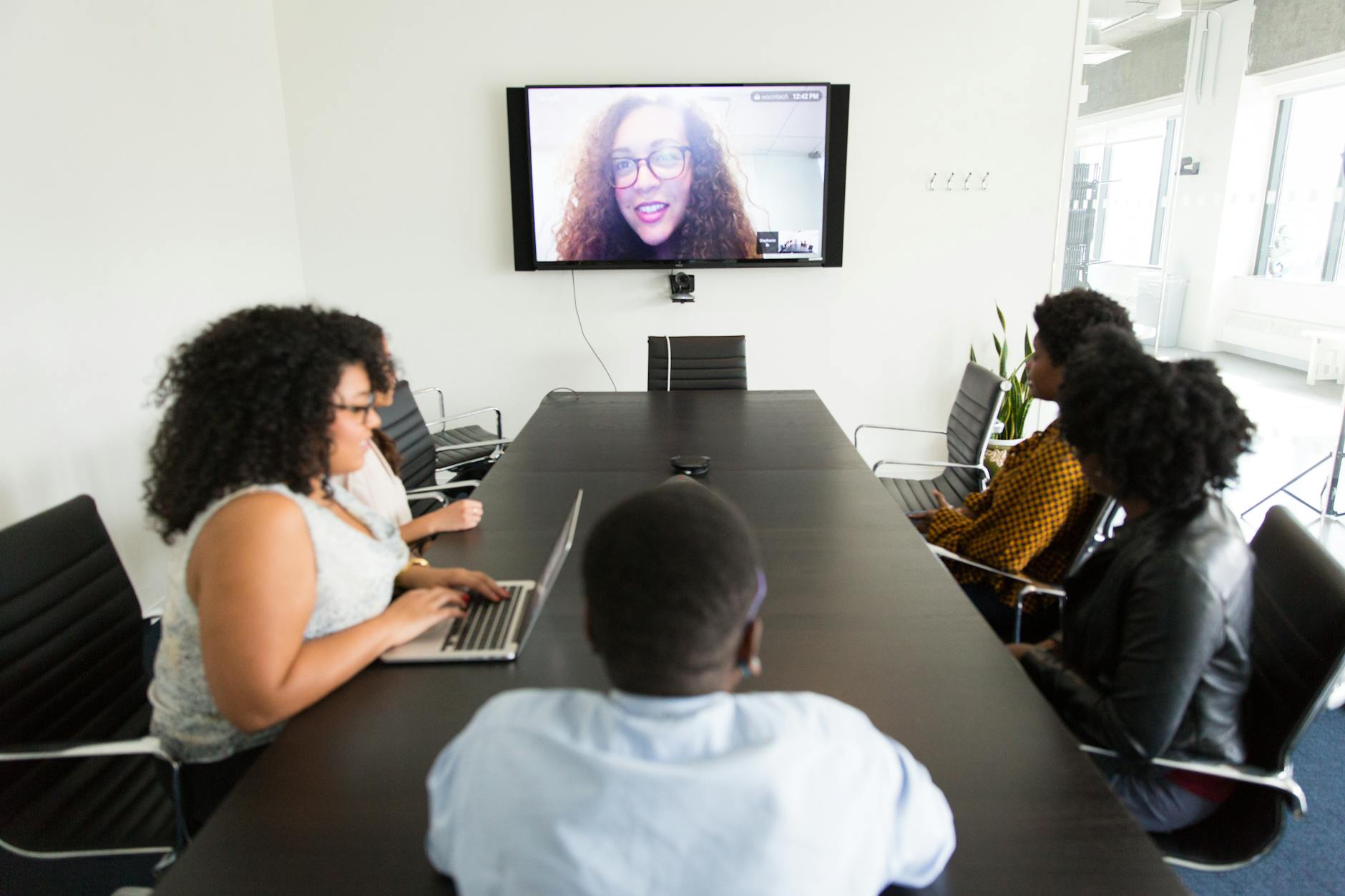
- One person, one screen. Everyone joins from their own device with their own camera and headset, even the people sitting three feet apart. This single change removes most of the audio and visibility gap.
- One shared document, open before the meeting starts. Agenda at the top, notes as you go, decisions marked. It is the only artifact that outlives the call.
- Headsets in the room. Two open laptop mics in one space cause feedback. Headsets solve it; a room mic does not solve the visibility half of the problem.
- Chat is a first-class channel. If a question appears in chat, read it out loud before answering it.
Bandwidth is the quiet variable in all of this. Ask people to turn off video during large sessions where they are not speaking, and keep the shared document as the thing everyone is actually looking at. A meeting that depends on a clean video feed breaks in the first hotel lobby someone joins from.
We have watched entire meetings derail because one remote participant's connection degraded and nobody noticed for ten minutes, since the room kept talking without checking in. Building a five-second habit of glancing at the participant list for a frozen frame or a "reconnecting" label costs nothing and catches the problem before it eats the whole agenda.
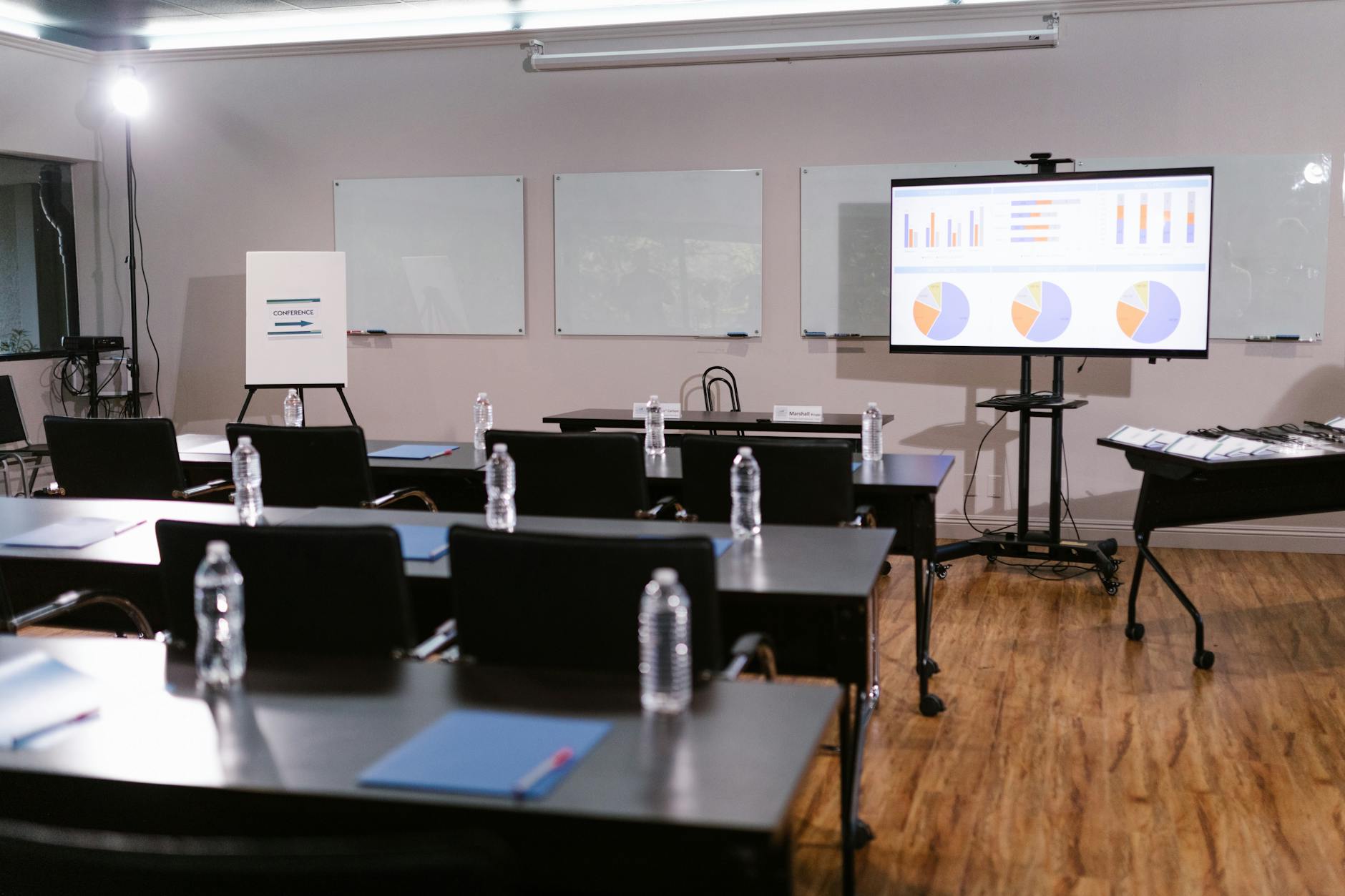
The room camera deserves its own note. A good conference room camera helps when a group genuinely must be together, but it never equalizes participation, because it cannot give a remote attendee a way to interrupt. Treat it as a supplement to individual screens rather than a replacement for them.
Facilitation Habits That Actually Matter
Someone has to own the meeting's mechanics, and it should not be the most senior person, who is usually busy talking.
The facilitator watches the remote queue, reads chat aloud, and calls on people by name. Calling on people sounds heavy-handed until you try it; on a hybrid call it is the only reliable way a quieter remote participant gets in.
Start the meeting two minutes late on purpose if people are walking into a room. Beginning the real conversation while half the group is still getting settled hands the first five minutes to whoever happened to be seated already.
This one is counterintuitive to a punctuality-minded manager, but it is not about tolerating lateness. It is about the fact that remote attendees join on time by default, and the room rarely does, so starting exactly on the hour systematically favors whichever side of the meeting was already assembled.
Three habits carry most of the benefit:
- Remote voices first on any round-robin. In-person attendees can always add afterward.
- Restate every decision out loud before moving on, then type it into the doc while people are still present to object.
- Kill the side conversation. When two people in the room start a private exchange, stop and ask them to share it with everyone.
Corrective or sensitive conversations do not belong in a hybrid group meeting at all. Those are one-to-one and live, for the same reasons that feedback that changes behavior needs tone and immediate response rather than an audience, and a mixed room makes it nearly impossible to read how the feedback is actually landing for the person receiving it.

Accessibility Is Not Optional
Turn on captions by default. They help participants with hearing loss, participants in a second language, and anyone joining from a noisy airport, which is most of a team at some point.
Employers have obligations here that go beyond courtesy. Guidance published by the U.S. Department of Justice at ADA.gov covers effective communication requirements, and reasonable accommodation in meetings is part of that picture rather than an optional nicety.
Ask once, at the team level, whether anyone needs something specific from these meetings. People rarely volunteer an accommodation request in the middle of a call, and a standing question in a one-on-one gets a much more honest answer.
Practical steps: caption the call, share slides in advance so a screen reader can reach them, describe what is on a screen you are presenting, and post the notes in text rather than only a recording. A 45-minute video is the least accessible artifact a meeting can produce.

When to Skip the Hybrid Meeting Entirely
A lot of hybrid meetings exist because someone wanted an update, and an update is a document.
Use this test. If there is no disagreement and no ambiguity, write it instead. That is the same rule that governs choosing between async and live communication on any distributed team, and it applies with more force to hybrid, where the meeting costs more to run well.
Recurring hybrid meetings deserve an annual audit. Cancel each one for three weeks and see which absences anyone notices. The ones nobody misses were a status update wearing a calendar invite.
Keep the meetings that involve real disagreement, genuine ambiguity about what to do next, or a relationship that needs repairing. Those are worth the setup cost.
The same logic applies to who gets invited. A hybrid meeting with eleven people has usually absorbed three conversations that belong to different groups, and splitting it costs less than running it badly. Scope creep in meetings starts the same way it does in a job description nobody has pruned: one addition at a time, none of them individually unreasonable.
For the ones you keep, protect the calendar. A hybrid meeting scheduled across four time zones is not a hybrid meeting problem, it is a scheduling problem, and no camera fixes someone joining at 10 p.m.
Run the Next One This Way
Individual screens, headsets in the room, a shared doc, a named facilitator, captions on, and decisions restated out loud before anyone leaves. That is the whole method, and it takes one meeting to adopt.
Then ask the remote participants afterward whether they could follow it. They will tell you the truth if you ask directly, and their answer is the only real measure of whether hybrid meetings are working. The Work Floor asks that question after every mixed-presence session we cover, and the answer is rarely the one the room expects, since the people in the room are usually the last to notice what the remote half missed.
The Work Floor covers careers, hiring, management, and the changing shape of work for the people who do it.

